Change Dive’s Language
🌐 Overview
Section titled “🌐 Overview”Dive supports multiple languages—switch between Hebrew and English anytime. You can update your language preference from within the app or right on the login/signup screen.
🔄 Changing Language in the App
Section titled “🔄 Changing Language in the App”-
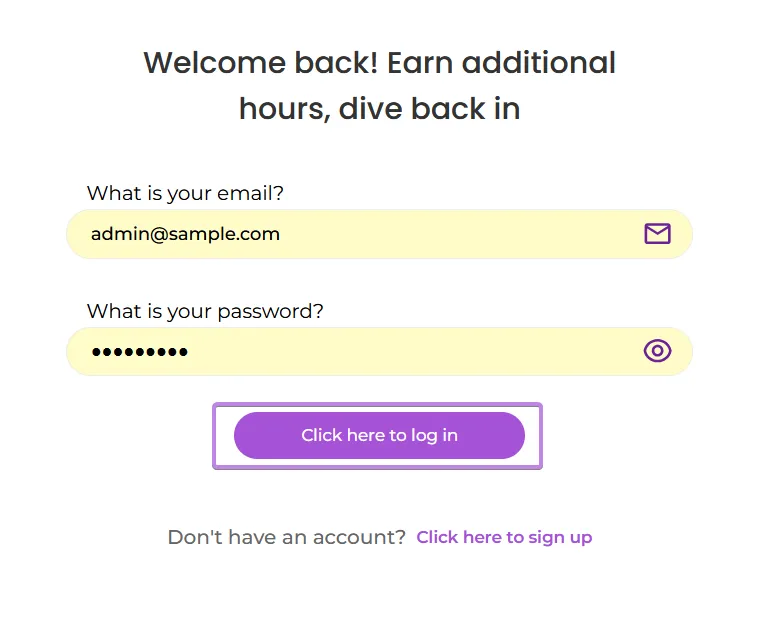
Log in to Dive
-
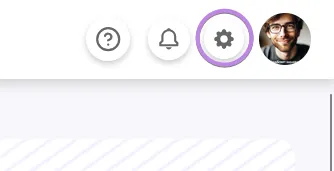
Open Settings
-
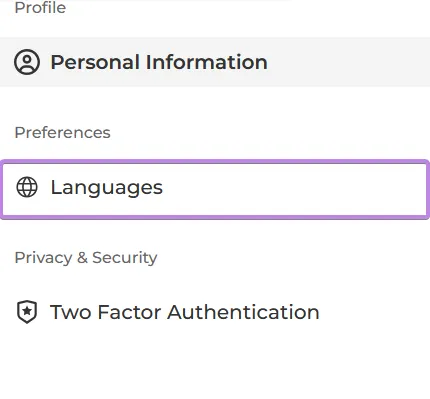
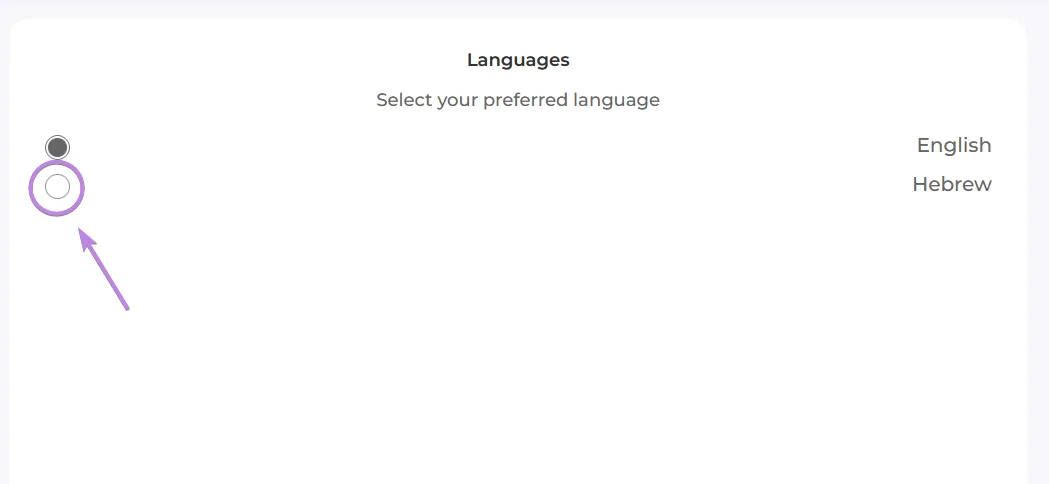
Go to the Language Tab
-
Pick Your Language
Click the language you prefer (Hebrew or English).
🔑 Before You’re Logged In
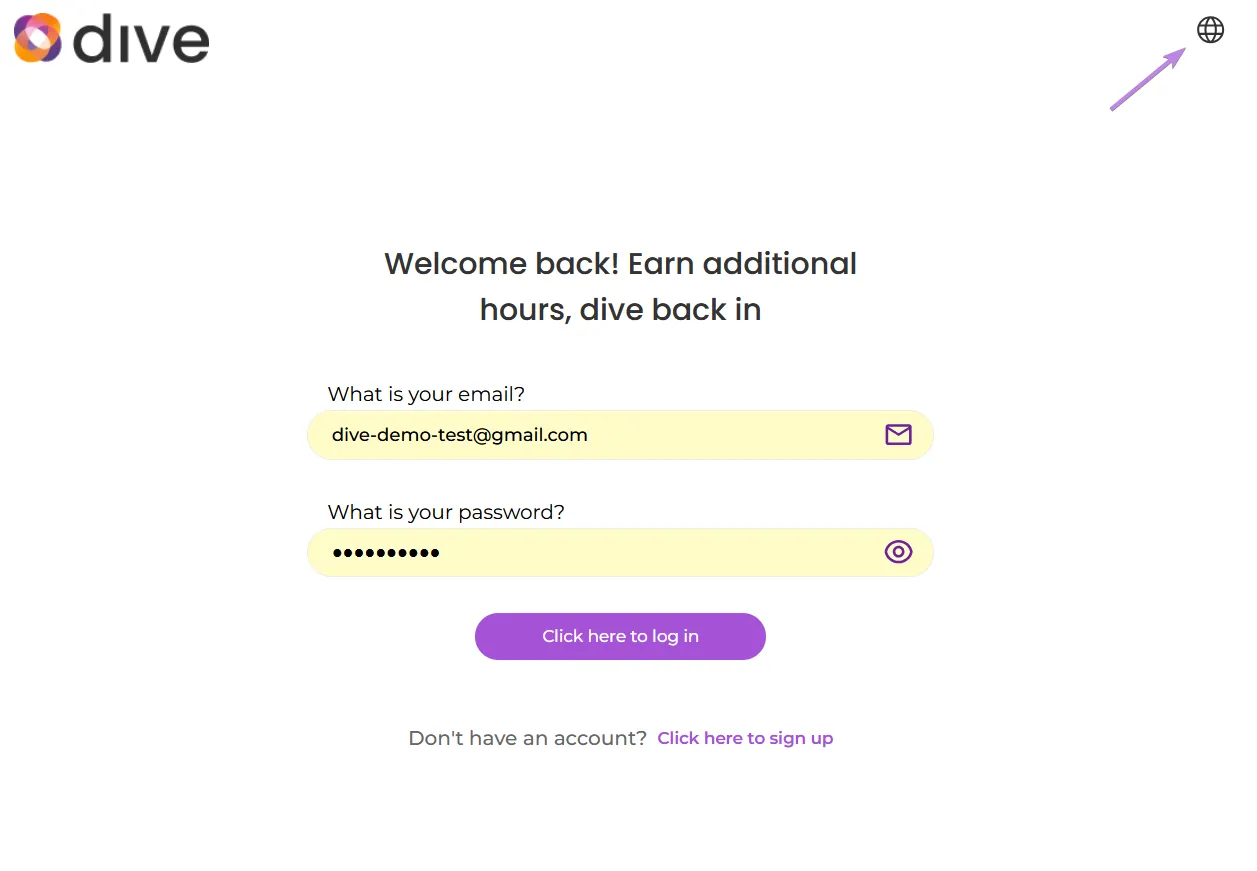
Section titled “🔑 Before You’re Logged In”- On the login/signup page, click the globe icon at the top to toggle between English and עברית.