
Add Therapists
Dive offers you a simple approach to adding new therapists to your existing organization. Once a therapist is added and completes the sign-up proccess, they can easily use dive to create new summaries of their appointments.
How do i add new therapists?
Section titled “How do i add new therapists?”-
Log in to your dive account.
-
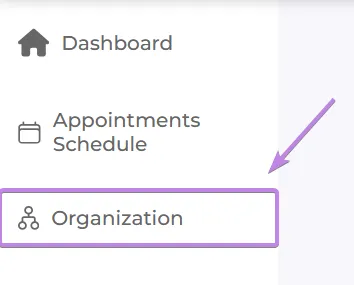
Once logged in, you should see the Organization tab in the sidebar (if you don’t see it, it means you are a single user)
-
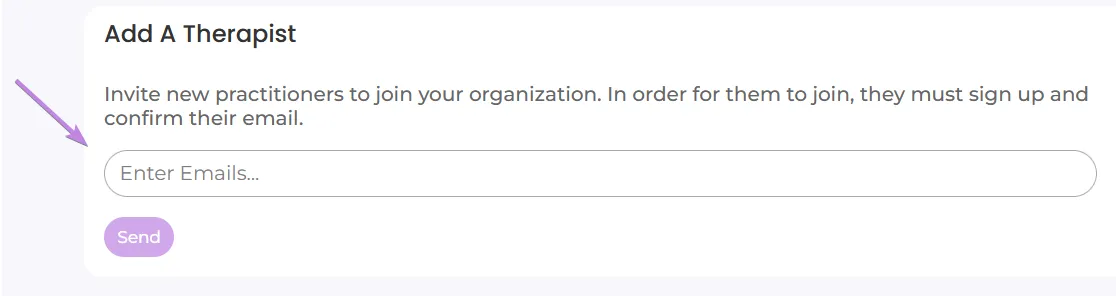
In the organization page, you should see an option to add new patients, inside of the input, type in the desired email and press enter - you can add multiple emails this way.
-
Once you’re finished typing the desired emails, press the “send” button to add new therapists to your organization.

Managing seats
Section titled “Managing seats”If you’re the organization owner, you also see a seat overview showing how many seats are in use versus paid for. See Seat management for the owner-only view, including how to remove seats and what happens when seats are reassigned.